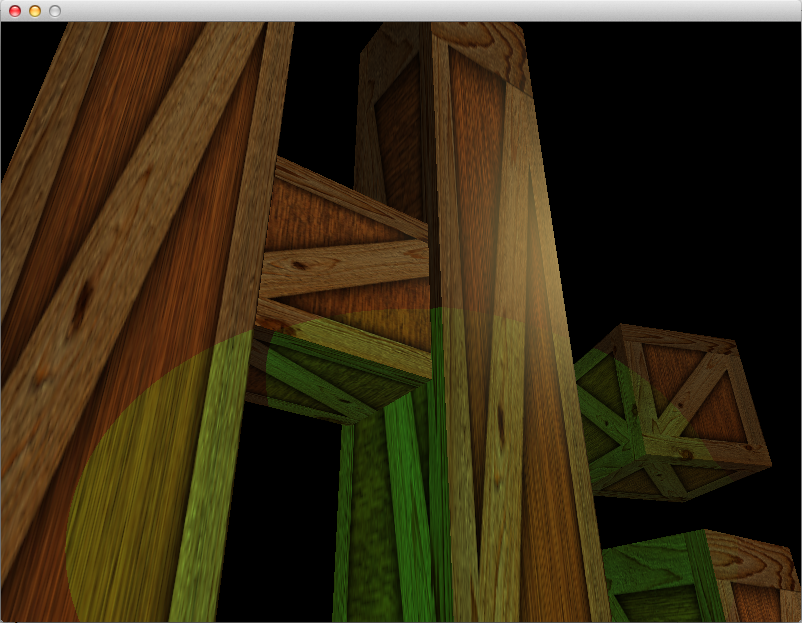
In this article, we will be adding directional lights, spotlights, and allowing
for multiple lights instead of just one. This is the final article on lighting
– at least for a while.
Valve is investing in OpenGL to hedge themselves against Microsoft. Some
well-known developers have written about the deficiencies in the API. A few
competing, proprietary APIs have popped up. In an effort to remain competitive,
Khronos announces glnext: a ground-up rethinking of the OpenGL and OpenGL ES
APIs. This post will look at developments in the OpenGL ecosystem over the last
couple of years.
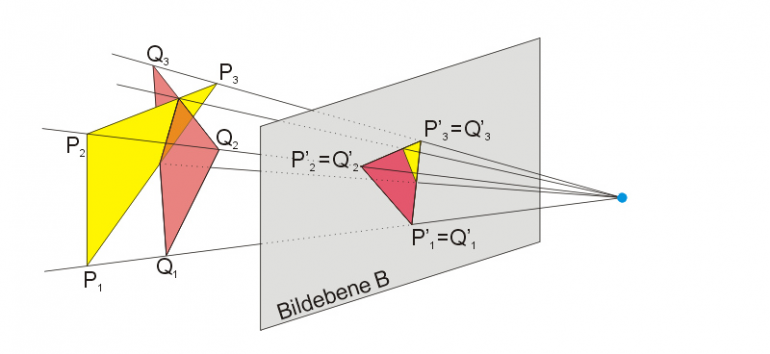
In this article I’m going to explain homogeneous coordinates (a.k.a. 4D
coordinates) as simply as I can. In previous articles, we’ve used 4D vectors
for matrix multiplication, but I’ve never really defined what the fourth
dimension actually is. Now it’s time to take a closer look at projective
geometry.
Also, welcome back! It has been a while since my last post. Hopefully I will
find some time in the next couple of months to finish up the Modern OpenGL
Series of articles. The code for article 08 is done, but writing the article
will take some time.
In this article we will continue to implement lighting. We will implement the
ambient and specular components of the Phong reflection model, attenuation, and
gamma correction.
This is the first article covering lighting. We will begin our lighting
adventure by implementing per-pixel, diffuse lighting with a single point
light. In later articles we will implement ambient and specular reflection,
directional lights, spotlights, attenuation, and using multiple lights.
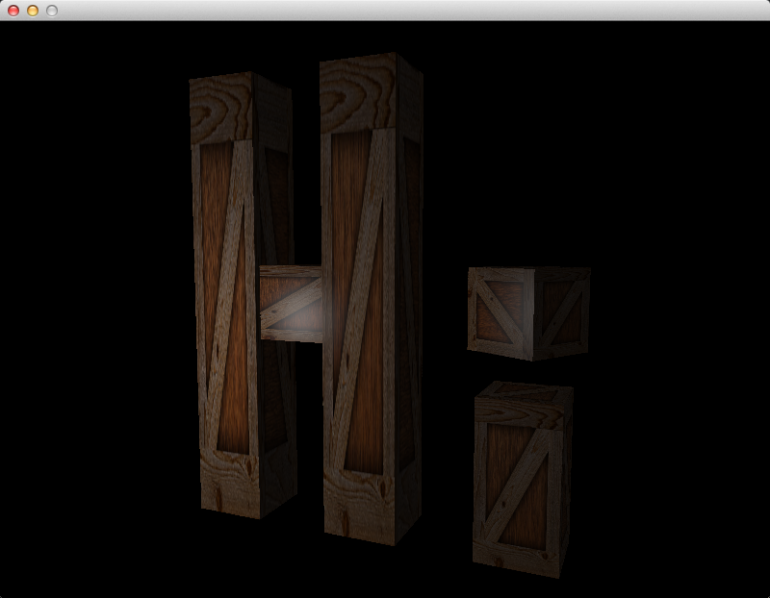
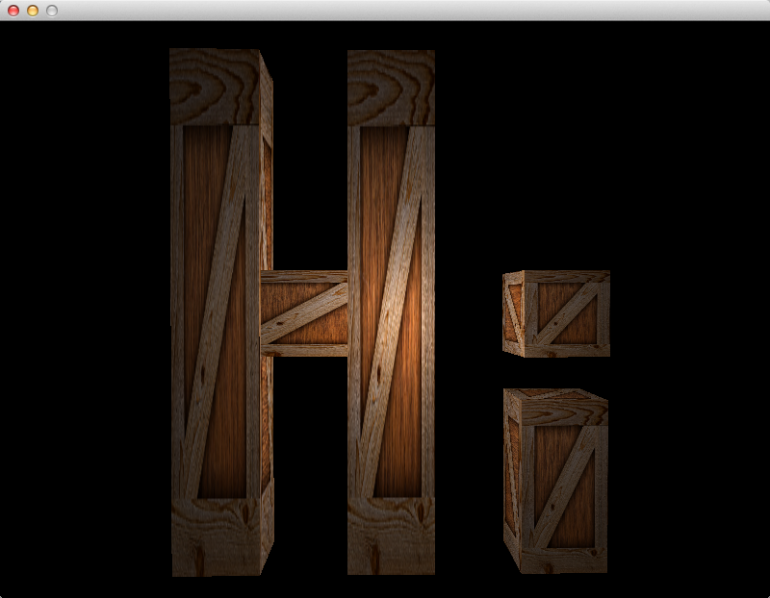
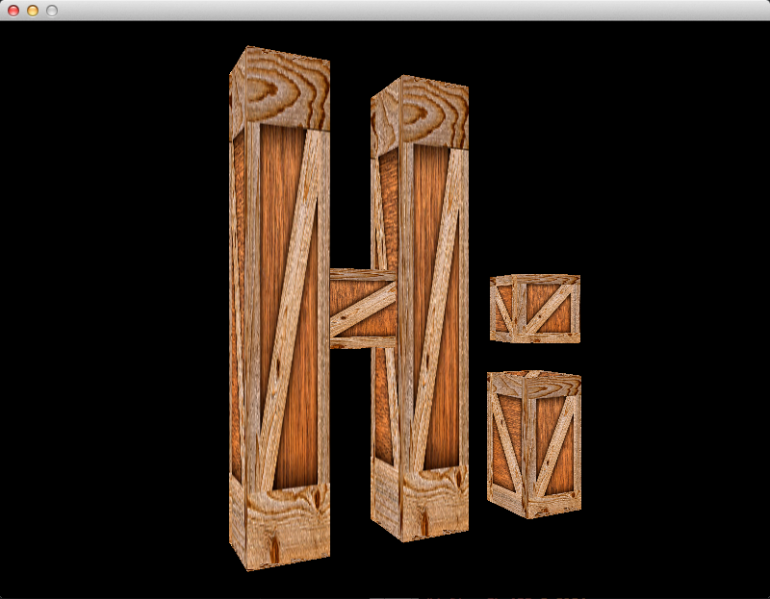
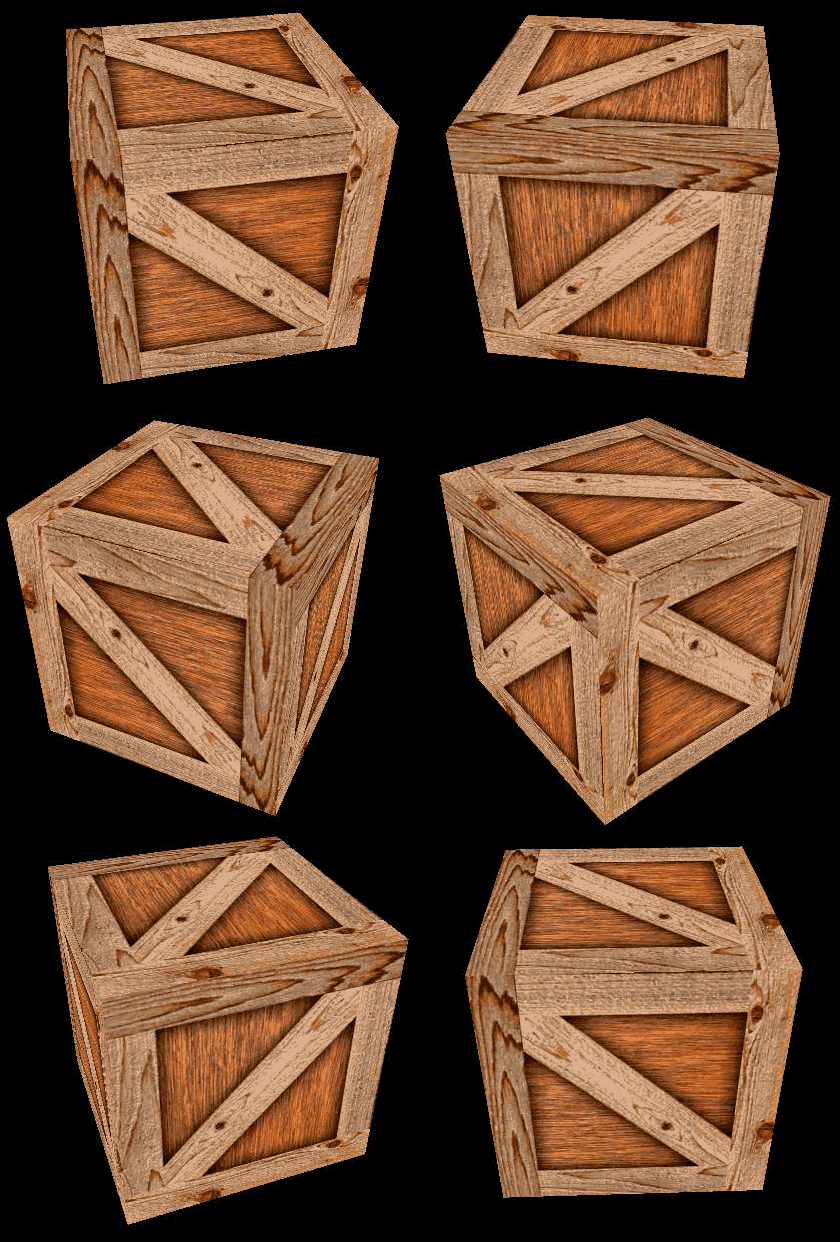
In this article, we will be refactoring the code to be more like a 3D
engine/framework. Specifically, we will be replacing some of the globals with
structs that represent “assets” and “instances.” At the end, we will have a
single wooden crate asset, and five instances of that asset arranged to spell
out “Hi” in 3D.
In this article, we will be consolidating the matrix and camera knowledge from
the previous article into the new tdogl::Camera class, which will be a
first-person shooter type of camera. Then, we will connect the camera to
keyboard and mouse input, so we can move within the 3D scene and look around.
This will involve learning a bit of vector math. We will also learn about
inverting matrices, which was not mentioned in the previous article.
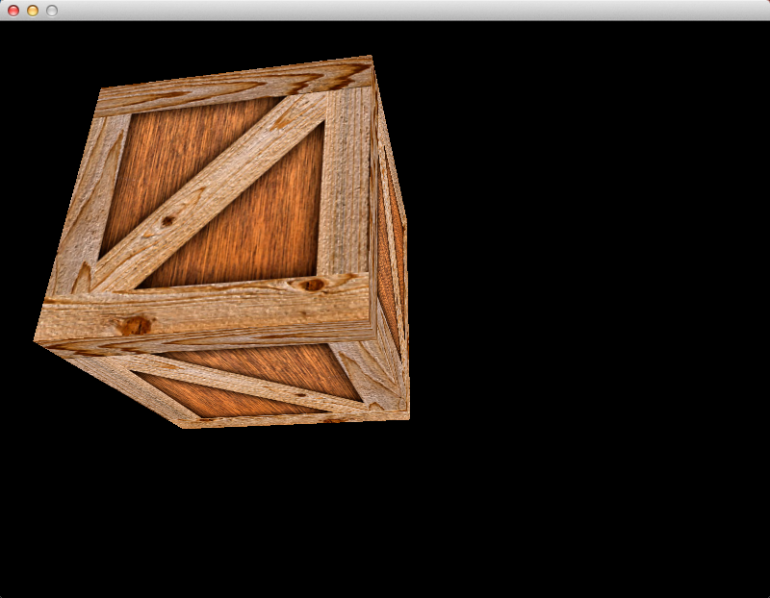
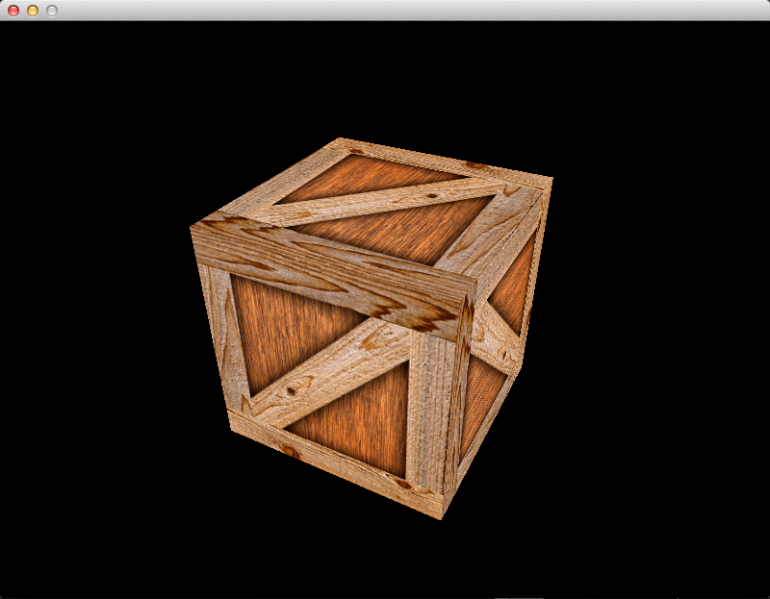
In this article, we will replace our immobile 2D triangle with a spinning 3D
cube. The end result will look like this:
Now that we’re finally getting something interesting on the screen, I can
include more pictures! An album of animated gifs is available here:
http://imgur.com/a/x8q7R
In order to make this spinning cube, we will learn a bit about matrix math, and
how it is used to create perspective projections, rotation, translation, and
the concept of a “camera.” We will also learn about depth buffering, and why it
is necessary. We will also see how a typical 3D application implements changes
over time, such as animation.
In this article, we will be adding a texture to the triangle. This will involve
adding new variables to the vertex and fragment shaders, creating and using
texture objects, and learning a bit about texture units and texture
coordinates.
This article introduces two new classes to the tdogl namespace:
tdogl::Bitmap and tdogl::Texture. These will allow us to load an image from
a jpg, png, or bmp file into video memory, for use in the shaders. Also, the
tdogl::Program class has some new methods for setting shader variables.
Welcome to the first of a series of articles about modern OpenGL. All the code
will be open source, and downloadable from github:
https://github.com/tomdalling/opengl-series.
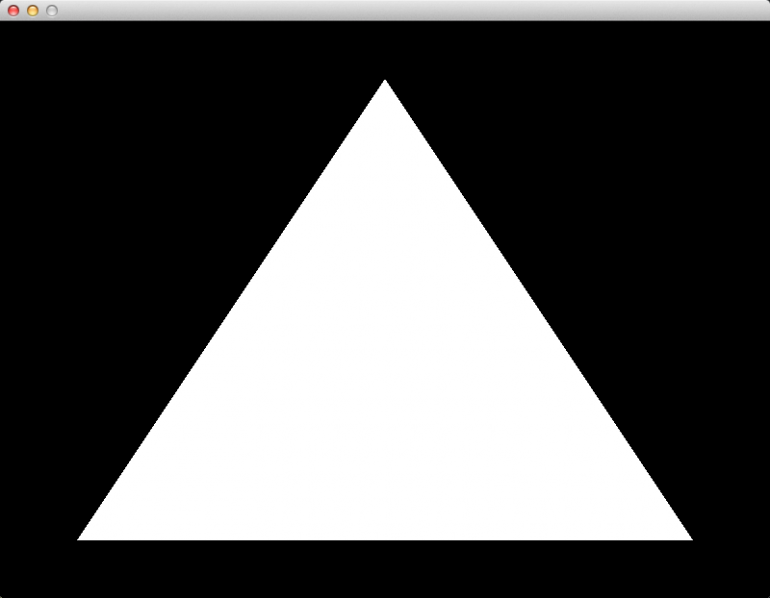
By the end of this article, you will have a working OpenGL 3.2 project in
Visual Studio 2013 on Windows, and Xcode on OSX. The app will have a vertex
shader, a fragment shader, and will display a single triangle using a VAO and a
VBO. The project will use GLEW to access the OpenGL API, GLFW to handle
window creation and input, and GLM for matrix/vector math.
Yes, it is a little bit boring, but just getting a project set up correctly can
be difficult, especially for beginners. Once this is out of the way we will get
into the more interesting stuff.